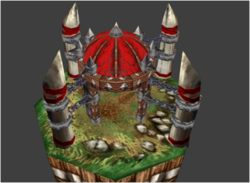
Oh what the hell? I swear it had the Alpha Channels on it when I uploaded it...
Not sure what happened there, but this should be good now. My apologies!
For future reference if you ever want to do this on your own, btw: You have to convert the .blp into a .BMP, specifically. Only BMPs, as far as I am aware, retain the alpha channels. You can do this either by extracting the skin and saving it as a BMP from a model viewer, or by using a tool like BLP Laboratory to convert the file directly.
Then you pop it into Photoshop or any other art program with a functionality for channels, do whatever crop or edits you need to do, save it (again, make sure it's still a .BMP!), then put the BMP through BLP Laboratory or a similar tool to convert it back into a blp.



 ! How do you like the idea of using the updated animations of Grommash for this pack?