
Roland
R
Roland
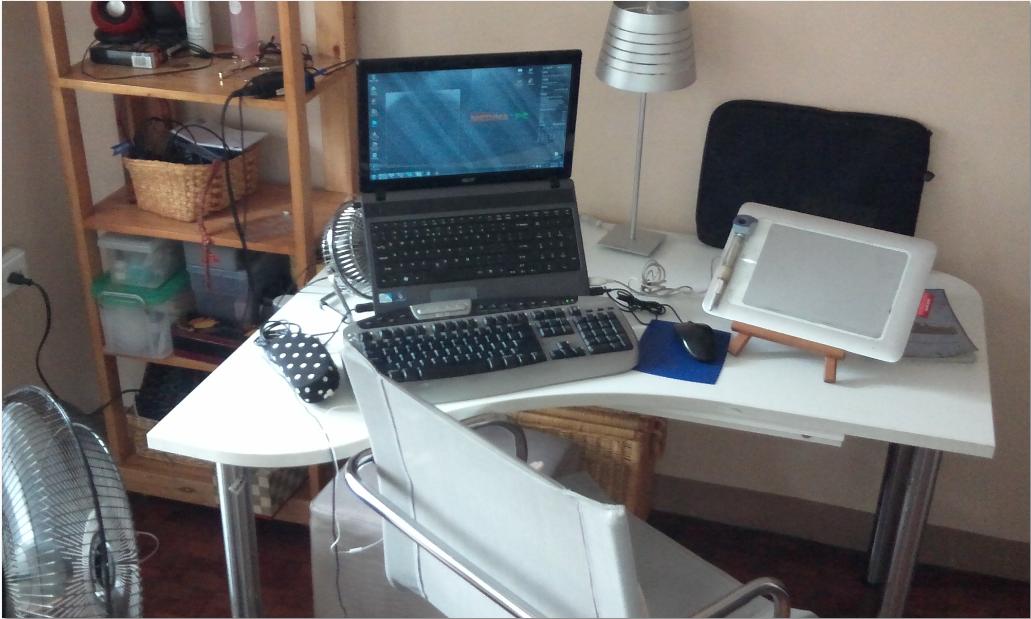
My man-cave.
Follow along with the video below to see how to install our site as a web app on your home screen.
Note: This feature may not be available in some browsers.


 .
.
The laptop can't withstand the heat, so I bought a mini-table fan to keep it cool and in-tact. It's really important, if the laptop has no table fan, It'll end it self shut-downed due to overheating..
+1If its past warranty I'd recommend opening it up and spraying it thoroughly with a can of air, especially at the heat sink. Stopped my old notebook from throttling constantly so its really worth a try.
Its also possible to replace the old thermal paste, but if that was the case then the table fan wouldn't be of much help :3


You got a wacom tablet?Just an update.
 Coool!
Anyhow, update: I got my new monitor, but I forgot that my new(ish) video card only has 1 DVI port on it (old one had 2). So if I want to dual monitor I have to get a new card or manually switch between my TV and my second monitor. I can also get a splitter and just have my TV and one monitor show the same image.

You got a wacom tablet?


 .
.
You get used to it and it is actually not that bad with the mouse. You barely feel the difference in height.Clean setup and love the extra large mouse pad. I'm not so sure about how you feel comfortable having the mouse up there and the keyboard below it xP also, are your monitors on stands or mounts?
Thanks, boss. Yeah do like that colour a lot. It's my favourite.Nice and clean. Oh and, someone likes green


Yeah, my monitors are mounted to pipes, which are then clamped onto my desk. Weren't even that expansive as far as I remember.
I'd love all that extra workspace! I have a pretty small desk, so the extra space will be extremely helpful when I get my drawing tablet haha.
I don't have a link for that. My dad has ordered them off Amazon for me.You mind sending a link to the ones you got?


You get used to it and it is actually not that bad with the mouse. You barely feel the difference in height.
Yeah, my monitors are mounted to pipes, which are then clamped onto my desk. Weren't even that expansive as far as I remember.
Thanks, boss. Yeah do like that colour a lot. It's my favourite.
.
You should see our kitchen. Every second item is green. It's mostly Nina standing behind it but I'm not complaining


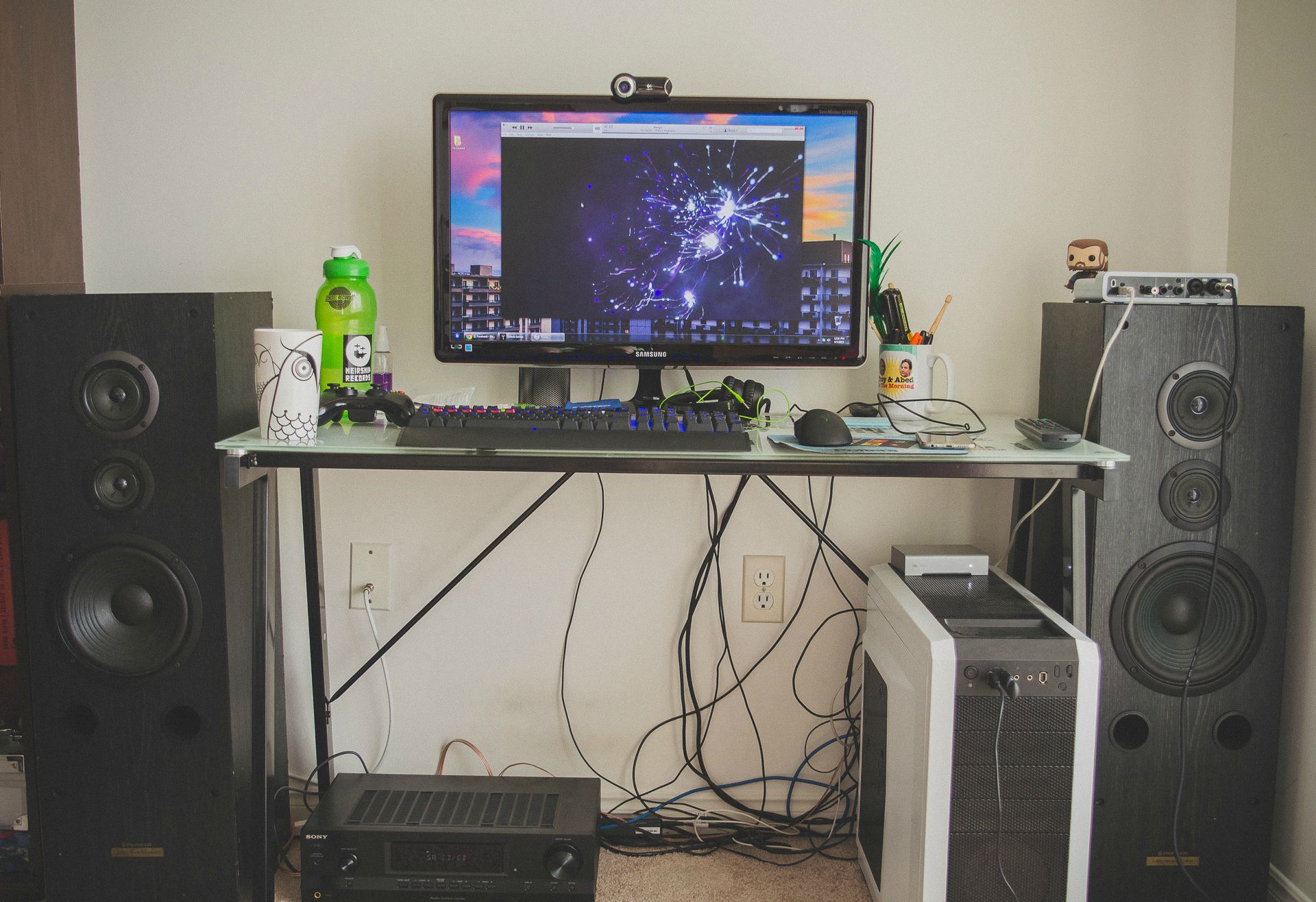
Here's the latest:
How can you see it's surround?

You guys have so weird wall sockets.
Here's the latest:
Huh, I didn't even notice that. Weird that he has a US Type B socket, and not one more typical to Europe/UK.
I love that Americans think we're European, and Europeans think we're American.North America is North American. Our power grid was probably developed in conjunction with the US's, tbh. Also the reason it's so visible and dramatic is that neither plug works >.>
I love that Americans think we're European, and Europeans think we're American.
I love that Americans think we're European, and Europeans think we're American.
I had no clue he was Canadian. :/ Makes a lot more sense now.
 There aren't MANY of us Canadians on this here board, but we are few and proud.
Yes, that would do it
And you all have horrible wall sockets.
And you all have horrible wall sockets.


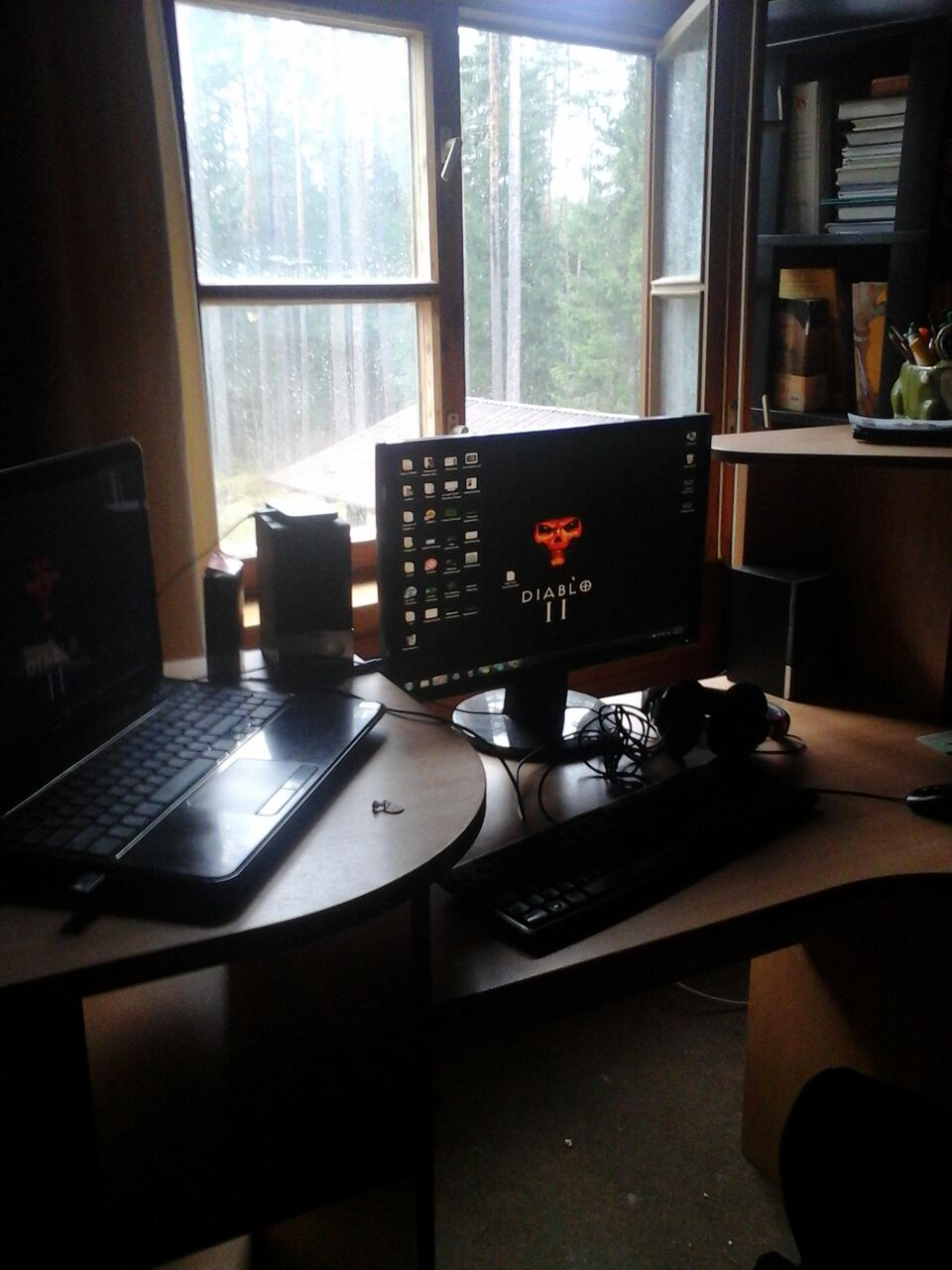
This is mine, it's not much, but it's cozy.


