


- Joined
- Sep 24, 2006
- Messages
- 4,986
I downloaded a torrent with 2700 wallpapers once, so yeah...
Follow along with the video below to see how to install our site as a web app on your home screen.
Note: This feature may not be available in some browsers.


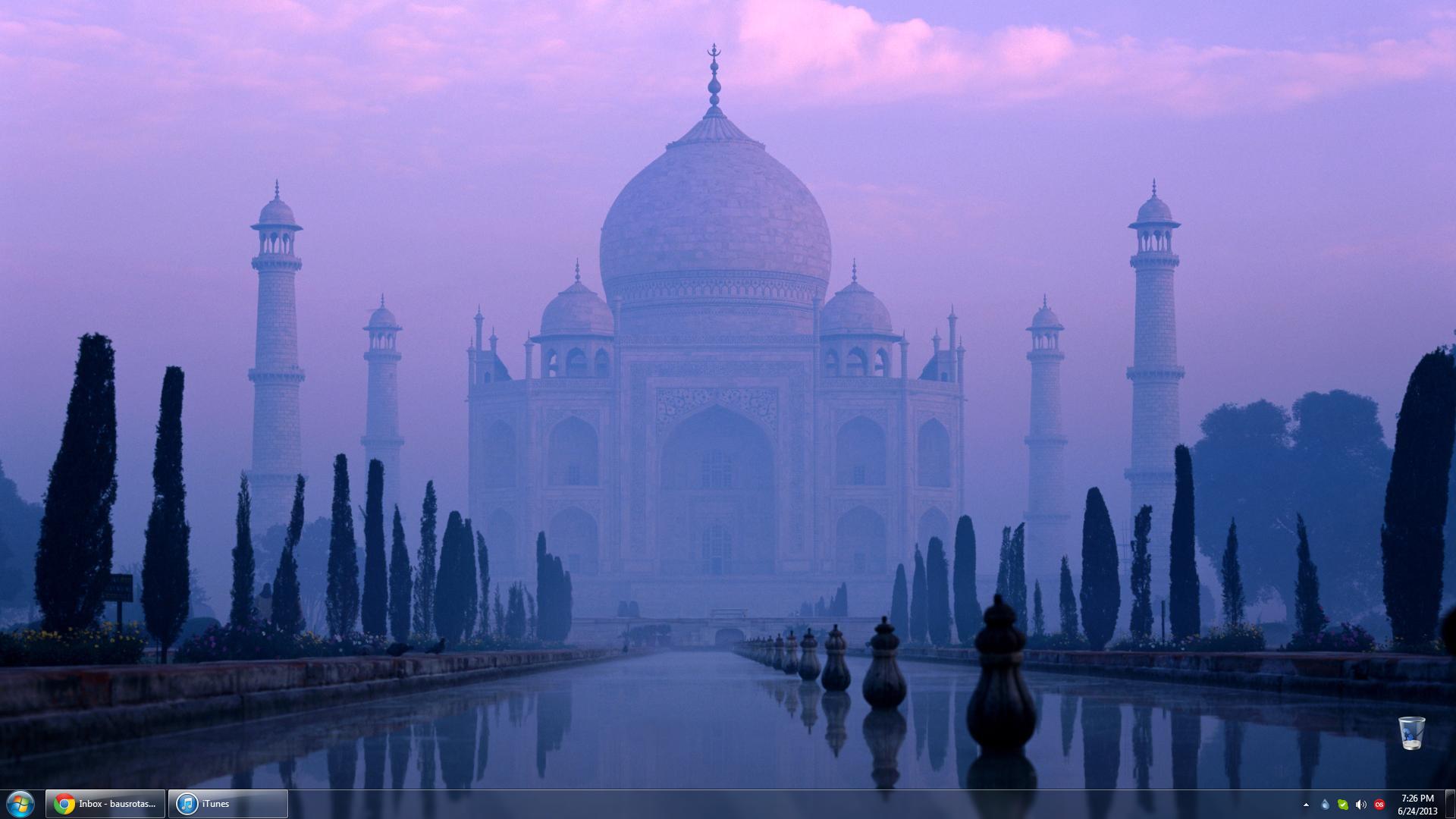


 Likely though I would also deduct points from myself due to having uplay present on my own desktop.
 Down for the windows gadgets though.
It's my treasure.points up for the snes emulator
It's my iTunes.down for the windows gadgets though.
You got only wc3, wc1 and a game I don't recognise?



Well here is my not so cool desktop.


^^ I love mine
 Is the task bar or super bar or whatever unpractical on the right side?
That looks really nice

Sc2 and Sonofjay's style :3
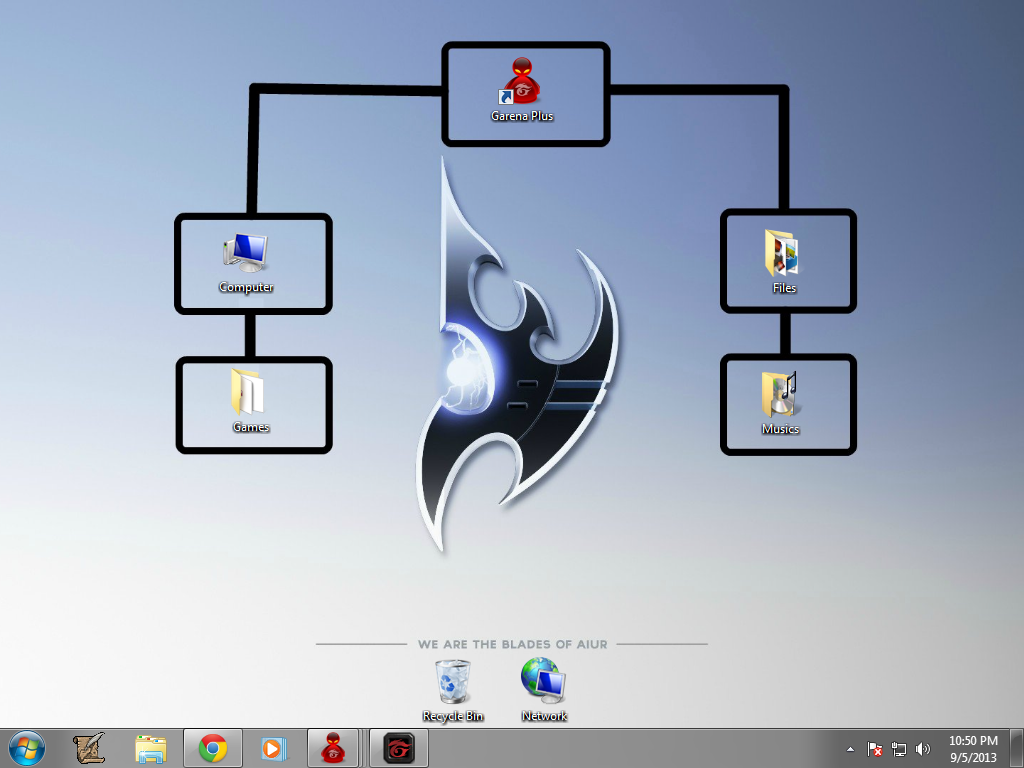
My only problem with it is the windows gadgetsBut a job well done with the normal taskbar.
I removes the weather gadget but the clock one is permanent, if you look at the taskbar, you should notice that there is no clock in it, if you know how to restore it, please tell me.
Any way thanks
I may;
Right click the taskbar->Properties-> Under the tab: Taskbar->Notification area -> Customize
Then "Turn system icons on or off" -> Select the clock and make certain it is set to "on".
If that doesn't work something more complicated might be required.

Here's my most recent one!
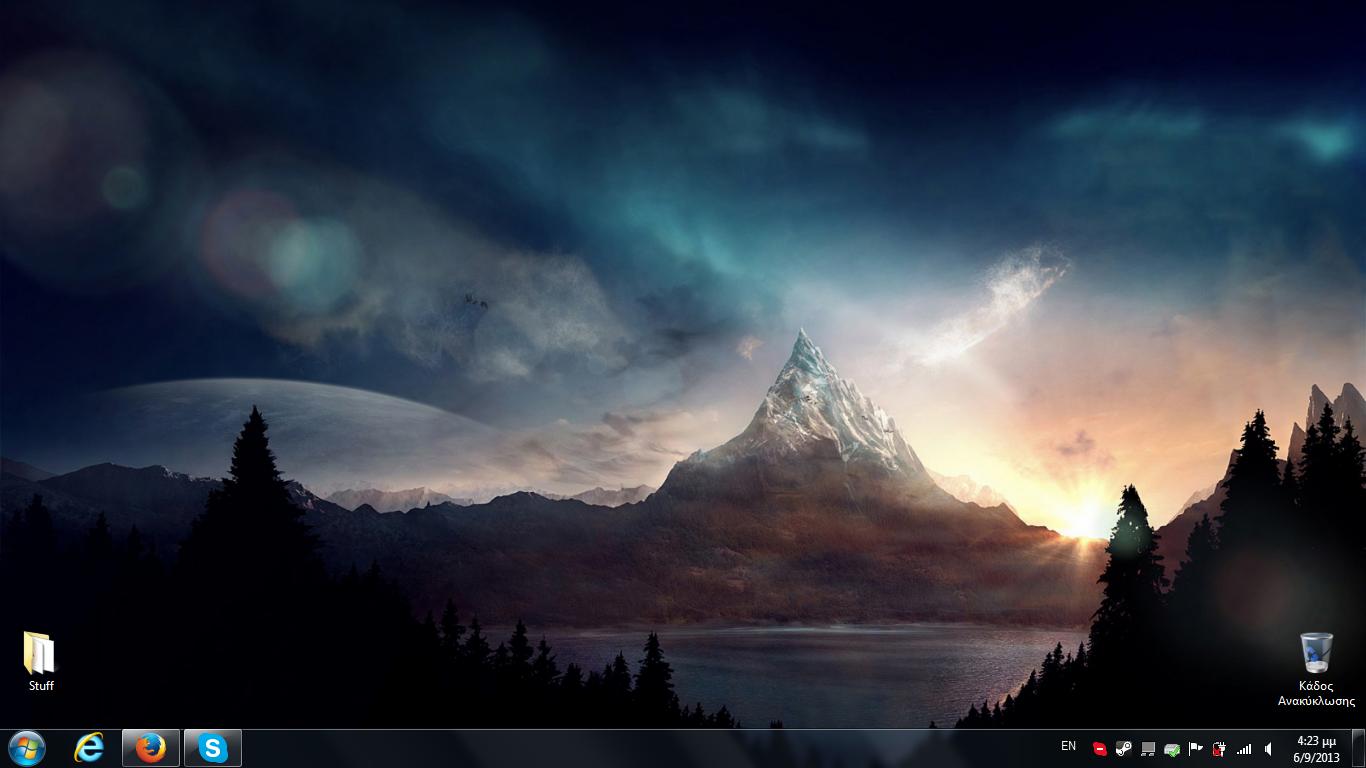
Ok, i sorta changed it now
EDIT: Oops, didn't see the last post, sorry for the double post :s
 Also you still have the watch gadget. Glad to hear it worked with the fix though
You could just merge them together
anw, i like the clock gadget, that's why it's still there
Meh,
My dislike for them is primarily based in their unnecessary power consumption. 
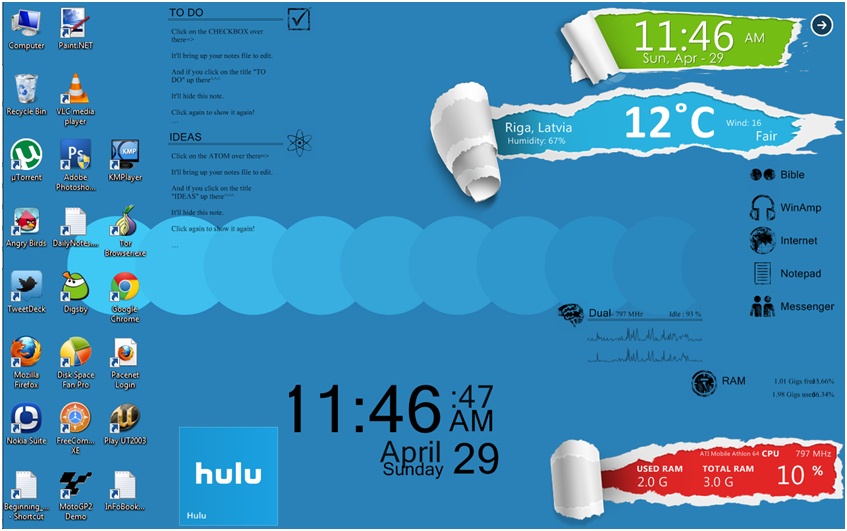


Did as Jad and moved the superbar (I think it is called so) onto the right side of my screen. Malthael moves the same way as on the D3 RoS page (I use Dreamscene).
I like left part, though its a shame that they don't fit the boxes.I like left part, though its a shame that they don't fit the boxes.
Actually I could resize them myself. I dunno, I kinda like it that way.
this looks really nice, also hide itDid as Jad and moved the superbar (I think it is called so) onto the right side of my screen. Malthael moves the same way as on the D3 RoS page (I use Dreamscene).
if you want to do the exact same of mine (if you already didn't hide it )Yh, Taskbar not superbarTaskbar would be the usual name
they are all a little the same but oh well 


and here is my new entry
Here's mine:



Latest.
If by software you mean the Print Screen key, then yes.
Otherwise I don't have a single idea what you're on about.
Nice!
You aren't very smart, are you?
Are you smart because you're using Windows?I'm very smart actually, because I use windows.

Are you smart because you're using Windows?
Or are you using Windows because you're smart?
That's mind fuck, 'cause I just said it the way people say it. (Latter one as you could expect ^^ )


