• Check out the results of the Techtree Contest #19!
  • Listen to a special audio message from Bill Roper to the Hive Workshop community (Bill is a former Vice President of Blizzard Entertainment, Producer, Designer, Musician, Voice Actor) 🔗Click here to hear his message!
  • Read Evilhog's interview with Gregory Alper, the original composer of the music for WarCraft: Orcs & Humans 🔗Click here to read the full interview.
  • Create a void inspired texture for Warcraft 3 and enter Hive's 34th Texturing Contest: Void! Click here to enter!
  • The Hive's 22nd Icon Contest: Creep Abilities is now concluded, time to vote for your favourite set of icons! Click here to vote!

Need artwork? Come here

Status
Not open for further replies.
Hello. Can you make this one as an old Fashion Map?
Legend:
Thick Black Border - International Border
Thin Black Border - City/Village/Town Border
Red Lines - Roads

234886-albums7039-picture79681.bmp
 
An overdue request:


Freeze87
Loadingscreen - you can see if its better resolution than the other one.

Map preview - I increased size and changed some text things around. If you need it even smaller I'll do that as well.

Download them both here

And yea I am working on other requests, job situation just keeps delaying it as I am currently finishing an offer I have to get done. I hope to get more out soon, so can't promise them tomorrow, but I will promise you'll get what you requested, the question is just how long or how much spare time I find. Once again sorry for delays.
 
Can anyone help me?
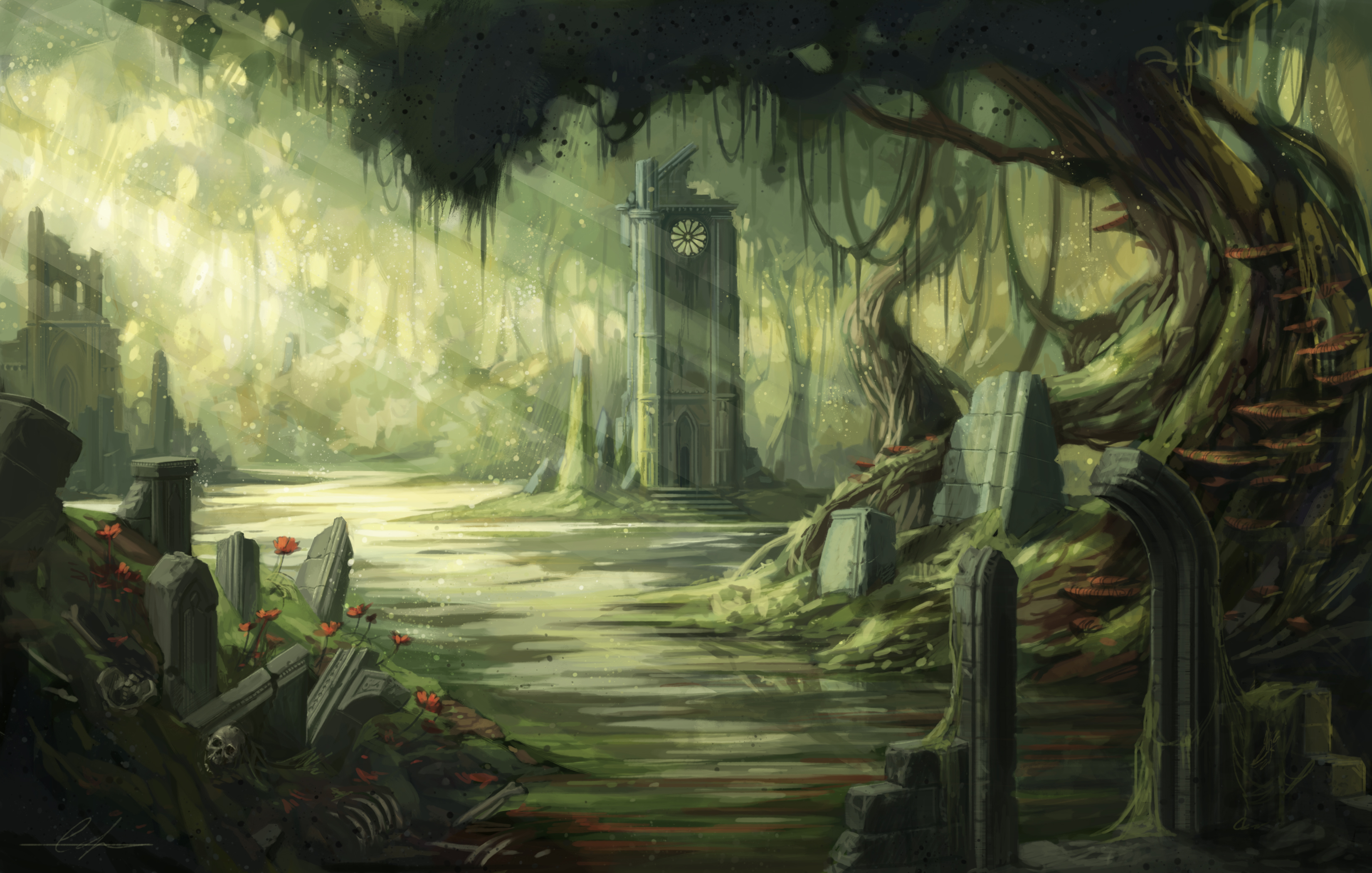
I need a loading screen for this image:

2984045-8730414996-swamp.jpg

Do you need it in HD or just normal?
Edit: Here are both versions

LoadingScreen.mdx is for Low Quality image
Loading Screen2.mdx is for High Quality image

Here is tutorial for loading screens
 

Attachments

Last edited:
I see it. It's perfect that's exactly what i want, but the font size is too small. Can you make it a little bigger and seperate the defense and ancients word? Also remove the background color black

ex: Defense.png
Ancients.png make it two files
 
I see it. It's perfect that's exactly what i want, but the font size is too small. Can you make it a little bigger and seperate the defense and ancients word? Also remove the background color black

ex: Defense.png
Ancients.png make it two files

So, you want those 2 words to be separate images?
Is this it?
 

Attachments

  • Defense.png
    Defense.png
    23.7 KB · Views: 181
  • Ancients.png
    Ancients.png
    26.4 KB · Views: 135
:spell_breaker: Could you possibly make a loading screen for me:spell_breaker:
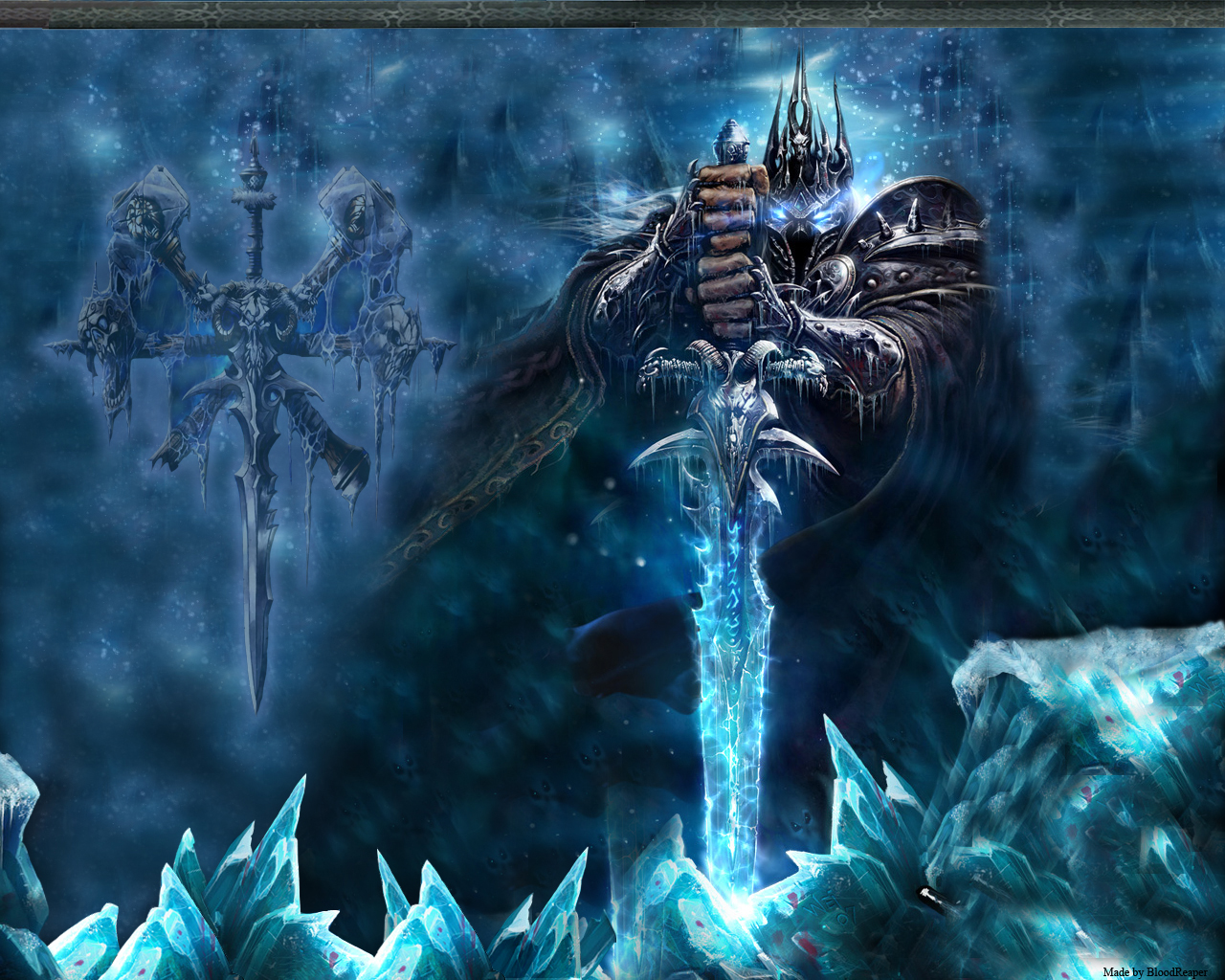
I badly need it for my Blood elf map:spell_breaker: The Photo is here

Yes I can m8 and I will do it.
TO ALL: Please mention whether you want HQ (HIGH QUALITY LOADING SCREEN) or LQ (LOW QUALITY LOADING SCREEN) so I know what to do, not to guess.
Thank you.

LoadingScreen.mdx
Set the path of FullScreen to: FullScreen.blp
 

Attachments

Edit: Was in rush on my previous post. Put a big sign of words made outta fire saying "Hellfire War" on the previous image link (please resize it if possible).

Sorry for the delay :smile: Now that I am picking up pace again stuff should be coming.

Is this something like what you imagined?
131841-albums1057-picture83550.jpg


Download it here

On another note:
Haha, another popped in while life bit me in the ass :smile: Glad to see that Hive still have helpful people around even if I am busy (or just being consumed) :grin:
 
Hi, can you create a model, identical to original in-game one, but with different texture?

Yea, but much easier - I can create a skin for it - then if you want both units in the game I can make a copy of that unit model and you can then import both an apply the skin. Of course it utterly depends on what you actually want.

I need those to be my loading screen.
High Quality Please :)


One of those images contains errors and cannot be opened. Also to clarify, do you need them to be two separate loadingscreens or do you want them merged to one?
 
I'd like to have three models ingame: 1 - standart and 2 - with different textures. I need 2 extra necromancers for my project, which summons different kinds of troops, and so the player shouldn't be confused. For example, standart necromancer is in red coat with yellow selvage, other two should be in dark-blue/dark-grey and green/brown coats. I hope you've managed to understand my idead through my bad English :>
 
I'd like to have three models ingame: 1 - standart and 2 - with different textures. I need 2 extra necromancers for my project, which summons different kinds of troops, and so the player shouldn't be confused. For example, standart necromancer is in red coat with yellow selvage, other two should be in dark-blue/dark-grey and green/brown coats. I hope you've managed to understand my idead through my bad English :>
So, you want two more necromancer models? One with a dark blue robe and dark grey selvage and the other one with green coat and brown selvage? If so, I could make them.
Also, I think you should have requested this in the general requests section, not here.
Here's a little list of various other stuff we can do (remember though this is a loading screen thread, post the followings only if you can't get it done else).

- Map reviews
- Icons
- Skins
 
Also, I think you should have requested this in the general requests section, not here.

Actually I do take care about just about anything in this thread if people request it. I do however take quite some time to do certain things, animated models and so forth.

I'd like to have three models ingame: 1 - standart and 2 - with different textures. I need 2 extra necromancers for my project, which summons different kinds of troops, and so the player shouldn't be confused. For example, standart necromancer is in red coat with yellow selvage, other two should be in dark-blue/dark-grey and green/brown coats. I hope you've managed to understand my idead through my bad English :>

Okay, so when you say necromancer - which model is it then? Could you post a picture or a link?

Then I can easily do it.

I'd love to have 2 separated from each other so i can have 2 different loading screen. The error one is below.

Okay, consider it done. :wink:

Download both here

I also removed the text and similar from the first one, guessing you didn't need it judging from the other.
 
Status
Not open for further replies.
Back
Top