• Check out the results of the Techtree Contest #19!
  • Listen to a special audio message from Bill Roper to the Hive Workshop community (Bill is a former Vice President of Blizzard Entertainment, Producer, Designer, Musician, Voice Actor) 🔗Click here to hear his message!
  • Read Evilhog's interview with Gregory Alper, the original composer of the music for WarCraft: Orcs & Humans 🔗Click here to read the full interview.
  • Create a void inspired texture for Warcraft 3 and enter Hive's 34th Texturing Contest: Void! Click here to enter!
  • The Hive's 22nd Icon Contest: Creep Abilities is now concluded, time to vote for your favourite set of icons! Click here to vote!

Draenei Haven

This bundle is marked as lacking. It fails to meet the standard requirements and may only have minor use.
A model for the Draenei Haven created for Heaven's Fall. Includes Stand Work animations, as well as a custom Birth animation and upgrade animations between the various stages.
Previews
Contents

BTNGarrison (Icon)

BTNHaven (Icon)

BTNRedoubt (Icon)

Draenei Haven (Model)

Version with Base (see comments) (Model)

Reviews
The_Silent
Moderation: Model lacks a collision shape. The Birth Upgrade First and Birth Upgrade Second animations needs to show a transition between upgrades. Currently it is just the next mesh slammed unto the previous mesh and a birth animation.
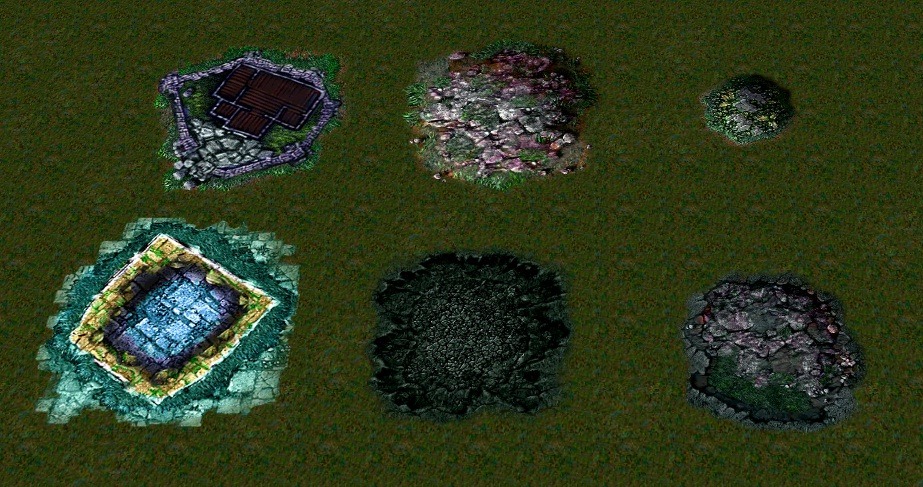
If you set "Art - Ground Texture" in the editor to a custom 4-letter code, and import a corresponding "Splats\SplatData.slk" file, then it will load your custom ground texture data. Beyond that, it's just a custom texture.
Save your map before doing this, if you type it wrong it crashes the World Editor.
 
It looks like the problem is not any file you imported, but rather that ReplaceableTextures\Mushroom\MushroomTree.blp is a texture that does tileset swapping. So, in this case, the ingame archive G.mpq contains an override for this texture file that causes the "Dungeon Tree Wall" destructable to appear identical to the "Underground Tree Wall" destructable on this Underground tileset (similar to how the Bear and War Eagle textures change on some tilesets).

I tried a simple test on an old legacy Warcraft III version, and if you wanted to try fixing it, for me it seems that if I import G.mpq in the import manager to replace the default Underground tileset with a tileset archive that does not swap this texture, then ingame the issue goes away. I'll attach an example file.

Edit: If changing the tileset is too weird, you could try changing the texture used by this building to a re-imported version of the Dungeon Tree Wall texture that does not do tileset swappnig.
 

Attachments

  • G.zip
    G.zip
    497.2 KB · Views: 80
Back
Top