• Check out the results of the Techtree Contest #19!
  • Listen to a special audio message from Bill Roper to the Hive Workshop community (Bill is a former Vice President of Blizzard Entertainment, Producer, Designer, Musician, Voice Actor) 🔗Click here to hear his message!
  • Read Evilhog's interview with Gregory Alper, the original composer of the music for WarCraft: Orcs & Humans 🔗Click here to read the full interview.
  • Create a void inspired texture for Warcraft 3 and enter Hive's 34th Texturing Contest: Void! Click here to enter!
  • The Hive's 22nd Icon Contest: Creep Abilities is now concluded, time to vote for your favourite set of icons! Click here to vote!

Loading Image

Status
Not open for further replies.
Can you please turn this image into a loading screen? I don't know how to do it and I read all the tutorial it is just simply too complicated.
* Credits will be given in the loading text
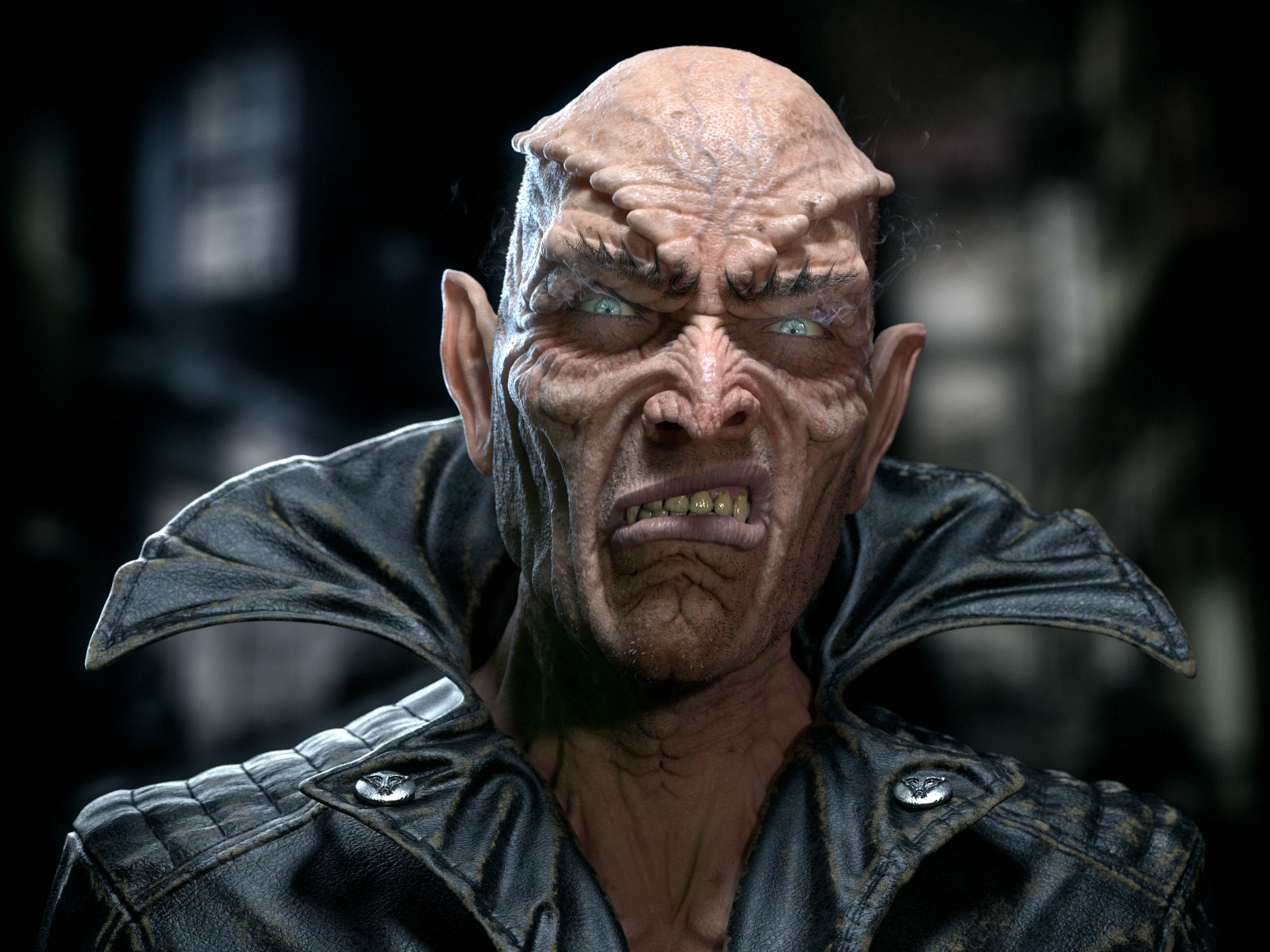
frix-vampire-lord-1-86528bec-xbpi.jpg
 
You can do it easily with War3 Model Editor (Extras --> Loading Screen Creator)

Just delete war3mapImported\ from the .blp path after you import it to your map.

The quality isn't that great though, if you want to make it better then you will have to crop the image to 4 parts.
 

Attachments

Status
Not open for further replies.
Back
Top