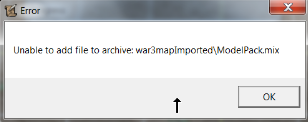
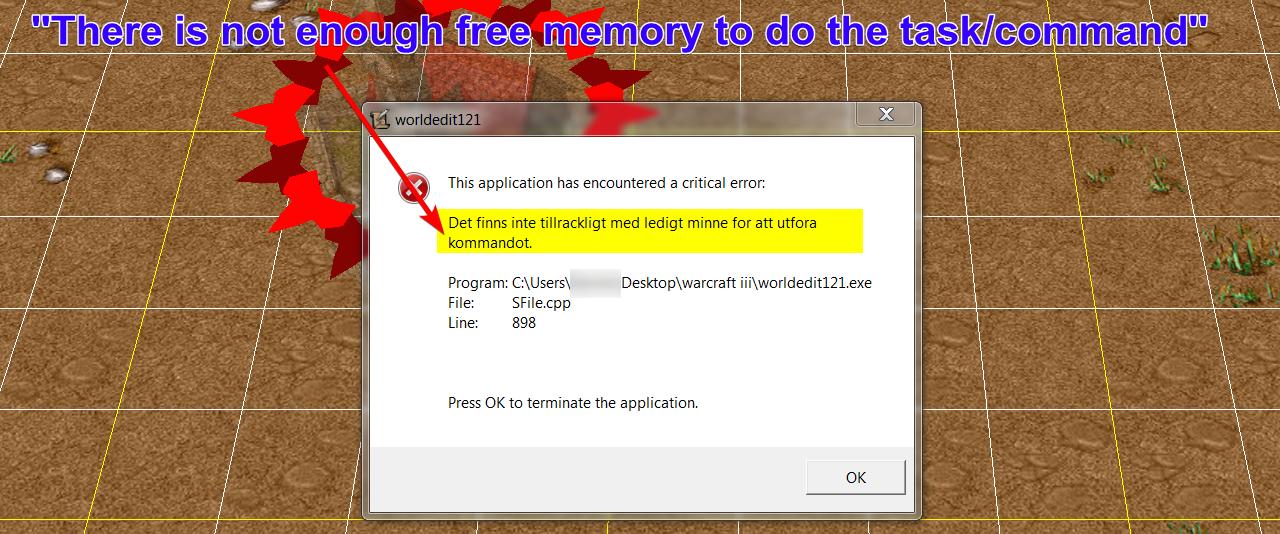
Hello!
A map (8MB Big) - I open it with World Editor without any problem.
However, this map needs a file in order to be playable (modelpack) which is 330MB.
And a soundpack, another 330MB of size.
When I open World Editor and open the 8MB map, how do I put in the .mix file (modelpack.mix and/or soundpack.mix) together in with the map? Because I have ''green boxes'' when I spawn a unit.

Thanks!
edit2:
Ok, so I did this:
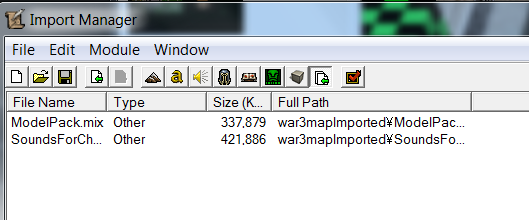
Still green boxes, do I need to tick ''confirm'' somewhere, or?
A map (8MB Big) - I open it with World Editor without any problem.
However, this map needs a file in order to be playable (modelpack) which is 330MB.
And a soundpack, another 330MB of size.
When I open World Editor and open the 8MB map, how do I put in the .mix file (modelpack.mix and/or soundpack.mix) together in with the map? Because I have ''green boxes'' when I spawn a unit.
Thanks!
edit2:
Ok, so I did this:
Still green boxes, do I need to tick ''confirm'' somewhere, or?
Last edited: