• Check out the results of the Techtree Contest #19!
  • Listen to a special audio message from Bill Roper to the Hive Workshop community (Bill is a former Vice President of Blizzard Entertainment, Producer, Designer, Musician, Voice Actor) 🔗Click here to hear his message!
  • Read Evilhog's interview with Gregory Alper, the original composer of the music for WarCraft: Orcs & Humans 🔗Click here to read the full interview.
  • Create a void inspired texture for Warcraft 3 and enter Hive's 34th Texturing Contest: Void! Click here to enter!
  • The Hive's 22nd Icon Contest: Creep Abilities is now concluded, time to vote for your favourite set of icons! Click here to vote!

How about some Artist help?

Status
Not open for further replies.
Level 10
Joined
Apr 4, 2011
Messages
579
Hey Hive! I yet again have another request for all you 2D artist, ill keep the details simple, its basically a game poster
Images included:

1ouj5t.jpg

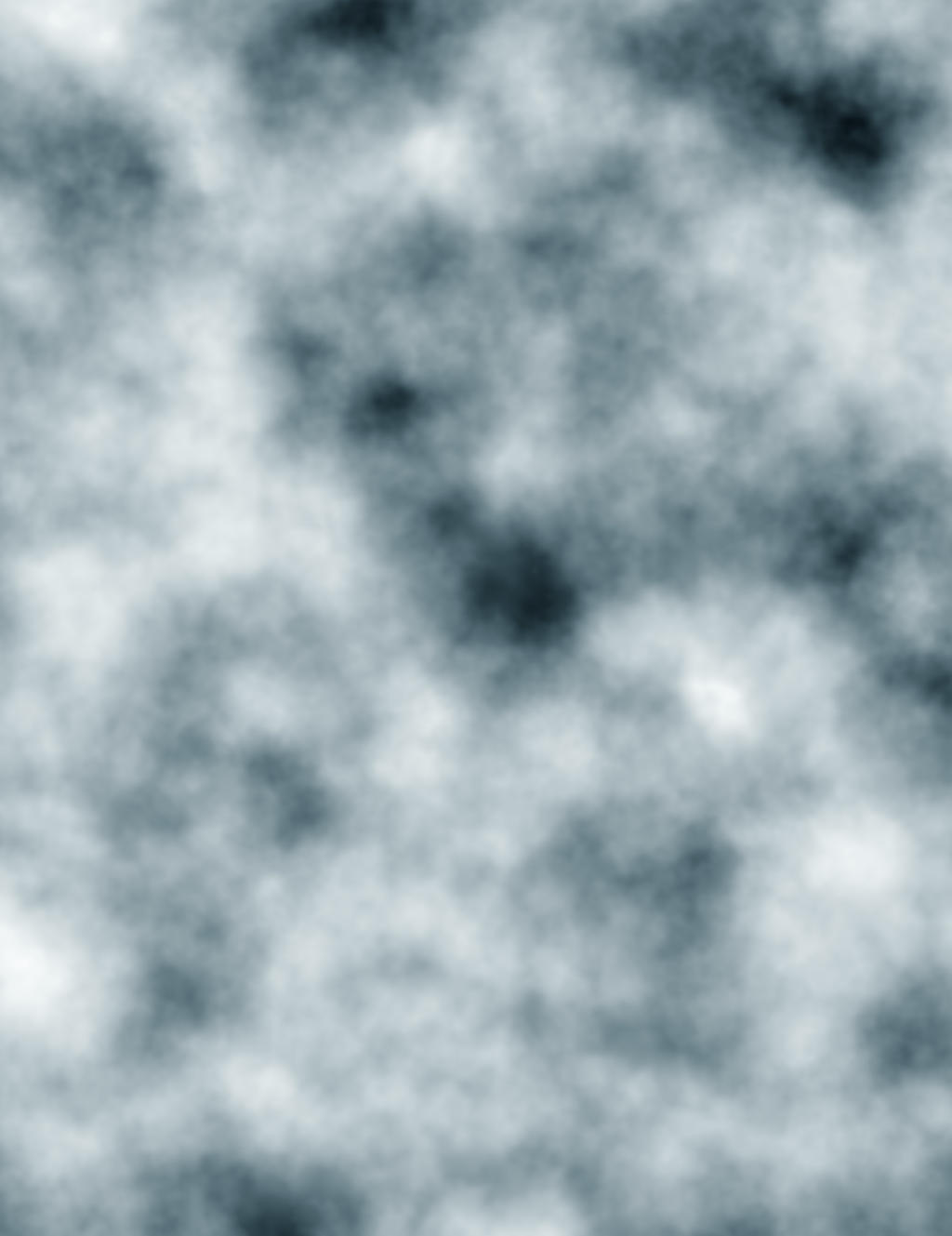
Clouds_fog_Texture_by_AshenSorrow.jpg


Basically i want the big Blizzard logo at the top of the poster in the middle, and i want there to be a black background with fog all around the poster, But not as thick as the picture provided, so the fog needs to be weak but still noticeable
 
Hmm.. so you just want Blizzard written on this fog and some dark fog around the text?
Simple, you have photoshop? Go to Select, Color Range, black colors or something like that. Now it will select everything except the "Blizzard" words. Click the delete button. Now drag a square over the whole picture, copy and paste it onto the Fog picture. Make it bigger to fit in perfectly... but you may lose quality if you make it bigger so I'd suggest just making the fog picture smaller. You're done. Ooops, if you want to darken the fog around Blizzard, go on the Fog layer, you will get the pasted Blizzard text as a new layer, and ... pick a brush, make it black and reduce the opacity to make it a little bit ethereal so that it doesn't fully cover everything you draw on. Paint around "Blizzard". Done. If you have any more questions, please ask me in VM cuz I won't be checking the Forums section a lot.
 
Here's a shrink-ed preview.
attachment.php

is this what you want? :eekani:
I've uploaded the A3 size in rar since the maximum dimension upload for on image is 2000pixels.

EDIT: ninja'd by Vladadamm. O.O

EDIT2: apparently I miss-read. you meant on top SIDE of the image, not ON TOP of the whole thing. lol
 

Attachments

  • A3.rar
    A3.rar
    3.8 MB · Views: 116
  • A3preview.jpg
    A3preview.jpg
    201.7 KB · Views: 294
okay. wait up. ^^" just onlined.

EDIT: just realised that I deleted the files. D: I'll remake it tomorrow. Gotta go now.

EDIT2: Vladadamm has finished your request. =)
 
Last edited:
Status
Not open for further replies.
Back
Top