Follow along with the video below to see how to install our site as a web app on your home screen.
Note: This feature may not be available in some browsers.
Listen to a special audio message from Bill Roper to the Hive Workshop community (Bill is a former Vice President of Blizzard Entertainment, Producer, Designer, Musician, Voice Actor) 🔗Click here to hear his message!
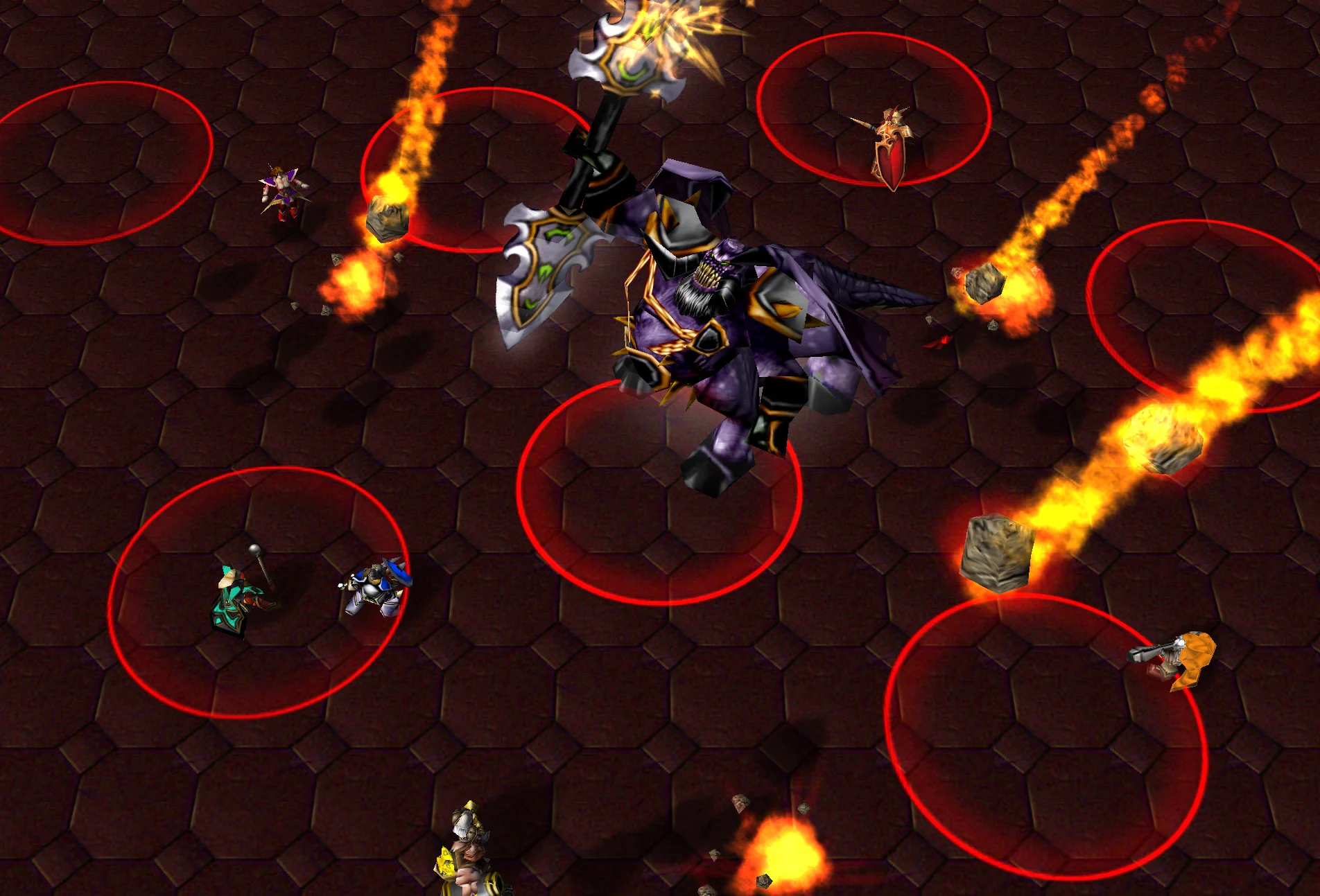
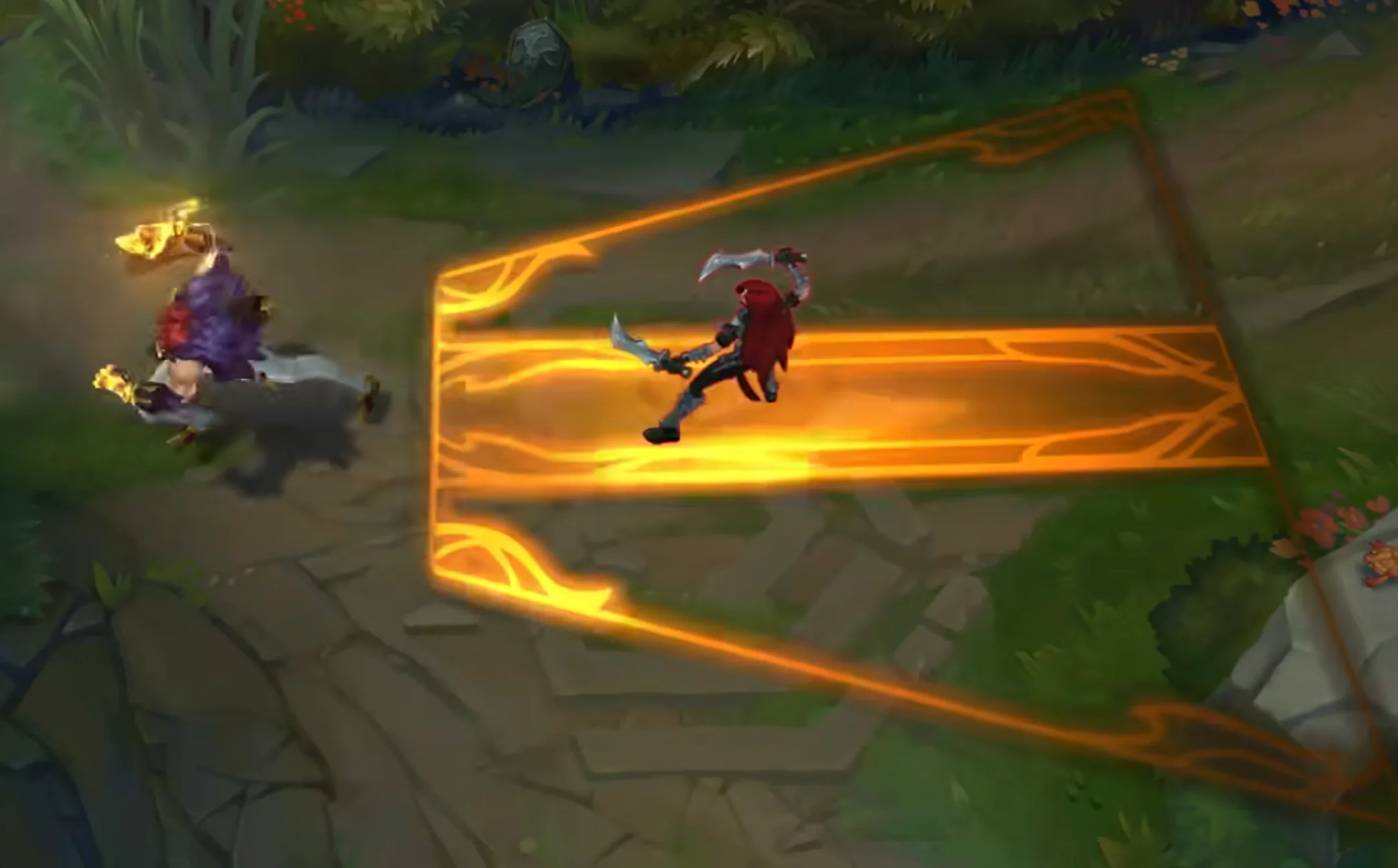
These are great for what I need in my map! For the circle specifically, I'd love if there was also a second circle within it that "grows/expands" rapidly in size to indicate when exactly the area damage will be dealt. Kind of like on the image below:
These are great for what I need in my map! For the circle specifically, I'd love if there was also a second circle within it that "grows/expands" rapidly in size to indicate when exactly the area damage will be dealt. Kind of like on the image below:
Technically you could do this with coding using a smaller version of the circle starting as size 0 and chases the size of the outer circle over time = cast time.
Can that not be triggered somehow? How would it work within the model itself, a different stand animation for each colour? Or rather if team coloured could be simply triggered to change owner, assuming it's a locust unit and not a special FX?
Can that not be triggered somehow? How would it work within the model itself, a different stand animation for each colour? Or rather if team coloured could be simply triggered to change owner, assuming it's a locust unit and not a special FX?
Not for each colour, but the skill indicator colour can be changed from green to red over time. What I really want here is for the colour to change as the channeled delay time approaches its end.
For anyone interested, I made a little in-game ruler and took some measurements for scaling. For the purposes of setting the scale of the Circle and Ring to match areas they cover, the formula seems to be roughly 120% per 50 units of distance in the circle's radius, which comes out to this handy quick reference table:
Here's the ruler, made with a bunch of floating text at (Position Of Circle + X Offset)s plus a line of peasants for visual reference. The Ring unit in the above screenshot is currently set to 120% scale. I changed the size of the ring without moving or replacing it so it and the ruler are in the exact same position for each of these shots.
Now set to 240% scale, juuust about touching the 100 mark,
Set to 840% scale,
and set to 2400% scale.
I'm not sure how exact the 120/50 ratio is, it kinda looks like at 1000 it's going past the mark a bit, but that might just be because the circle is now off the ground a little and the camera angle skews it, but I think this looks good enough for a rough visual indicator at least up to ranges of 1000, especially since at areas over like 500 the circle starts to get so big that it gets blurry.
This site uses cookies to help personalise content, tailor your experience and to keep you logged in if you register.
By continuing to use this site, you are consenting to our use of cookies.


 Approved