


- Joined
- Sep 30, 2008
- Messages
- 1,459


:O Thats rather neat! I can see you already uploaded it to the hive
 Feel free to use the sword I made as a texture for it lol
You never cease to amaze me

Follow along with the video below to see how to install our site as a web app on your home screen.
Note: This feature may not be available in some browsers.

(11 ratings)
 Approved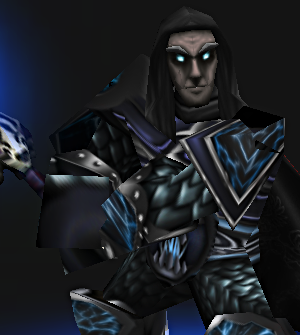
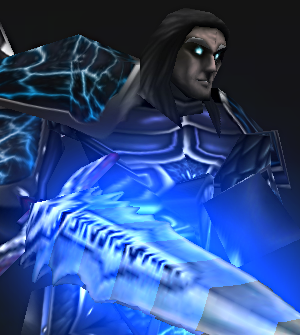
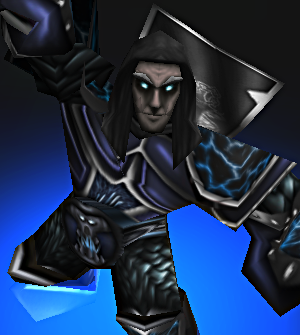 I reckon it turned out ok
 Feel free to use the sword I made as a texture for it lol
  4/5 sry but the face need a update.


 They agree!
Semone should make a campaign that replicates wow's starting death knight quests. Because there is enough death knight models AND there is a scarlet crusade skin.

This skin is good but unfortunatelly applies to following models:
https://www.hiveworkshop.com/forums...8586/?prev=search=elven%20cleric&d=list&r=200
https://www.hiveworkshop.com/forums...8766/?prev=search=elven%20cleric&d=list&r=200
https://www.hiveworkshop.com/forums...99/?prev=search=elven%20spearman&d=list&r=200
https://www.hiveworkshop.com/forums/models-530/footman-64133/?prev=search=footman&d=list&r=200
Would u fix it? This bug makes this skin unusable for me. I found that this type of problem occurs sometimes, find some way to avoid it plz.

May I use the skin in my model?
If its for a project, or course you can!
Probably best not to upload it as a resource though unless the model has some really good edits


