
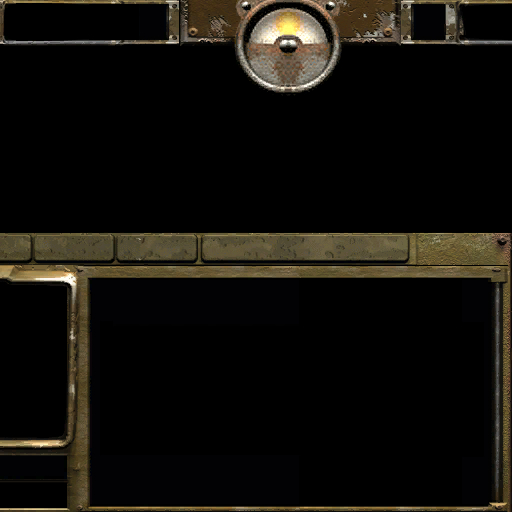
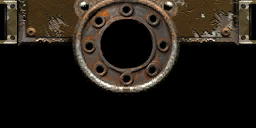
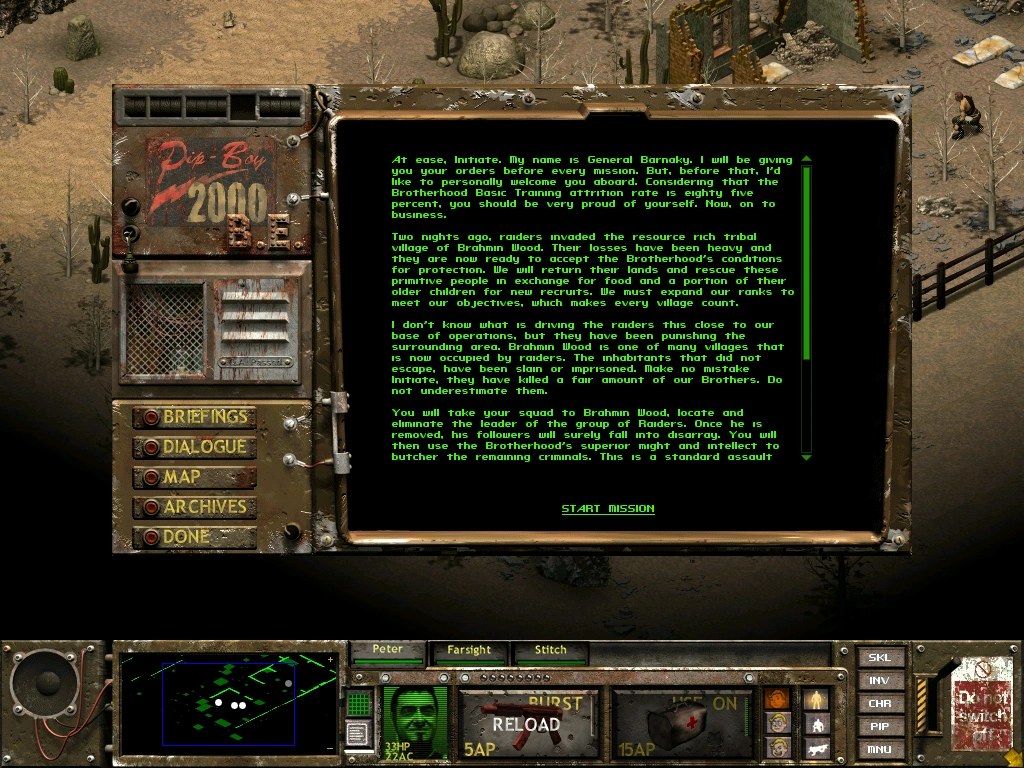
Fallout UI [Reforged] SD

This bundle is marked as pending. It has not been reviewed by a staff member yet.
In-game user interface for Warcraft III: Reforged (SD).

This bundle contains:
- Set of standard UI tiles

Step 1:
- Allow Warcraft III to use local files:
1) Open the 'Windows Run dialog box' by pressing the Windows + R keys (Windows keyboard) or Command + R keys (Mac keyboard)
2) In the dialog box, type Regedit and click OK
3) Go for location 'HKEY_CURRENT_USER' -> 'SOFTWARE' -> 'Blizzard Entertainment' -> 'Warcraft III'
4) Double click on 'Allow Local Files' and change the parameter to 1
Step 2:
- Download bundle from here(hiveworkshop). Then put new files into Warcraft III folder:
"Warcraft III\retail\ui\console\orc\"
"orcuitile01"
"orcuitile02"
"orcuitile03"
"orcuitile04"
"orcuitile05"
"orcuitile06"

"orcuitile-inventorycover"
"orcuitile-timeindicatorframe"

-Revamped Day-Night section
old:
266667-93804445e696a54c68bd71ff3a8f7c3a.jpg


new:
330811-66a33f66c17d57186075dd99ae71a317.jpg
Previews
Contents

humanuitile-inventorycover (Texture)

humanuitile-timeindicatorframe (Texture)

humanuitile01 (Texture)

humanuitile02 (Texture)

humanuitile03 (Texture)

humanuitile04 (Texture)

humanuitile05 (Texture)

humanuitile06 (Texture)

this looks like it's lifted straight from Fallout Tactics interface
 
Last edited:
Back
Top
